 Avidemux

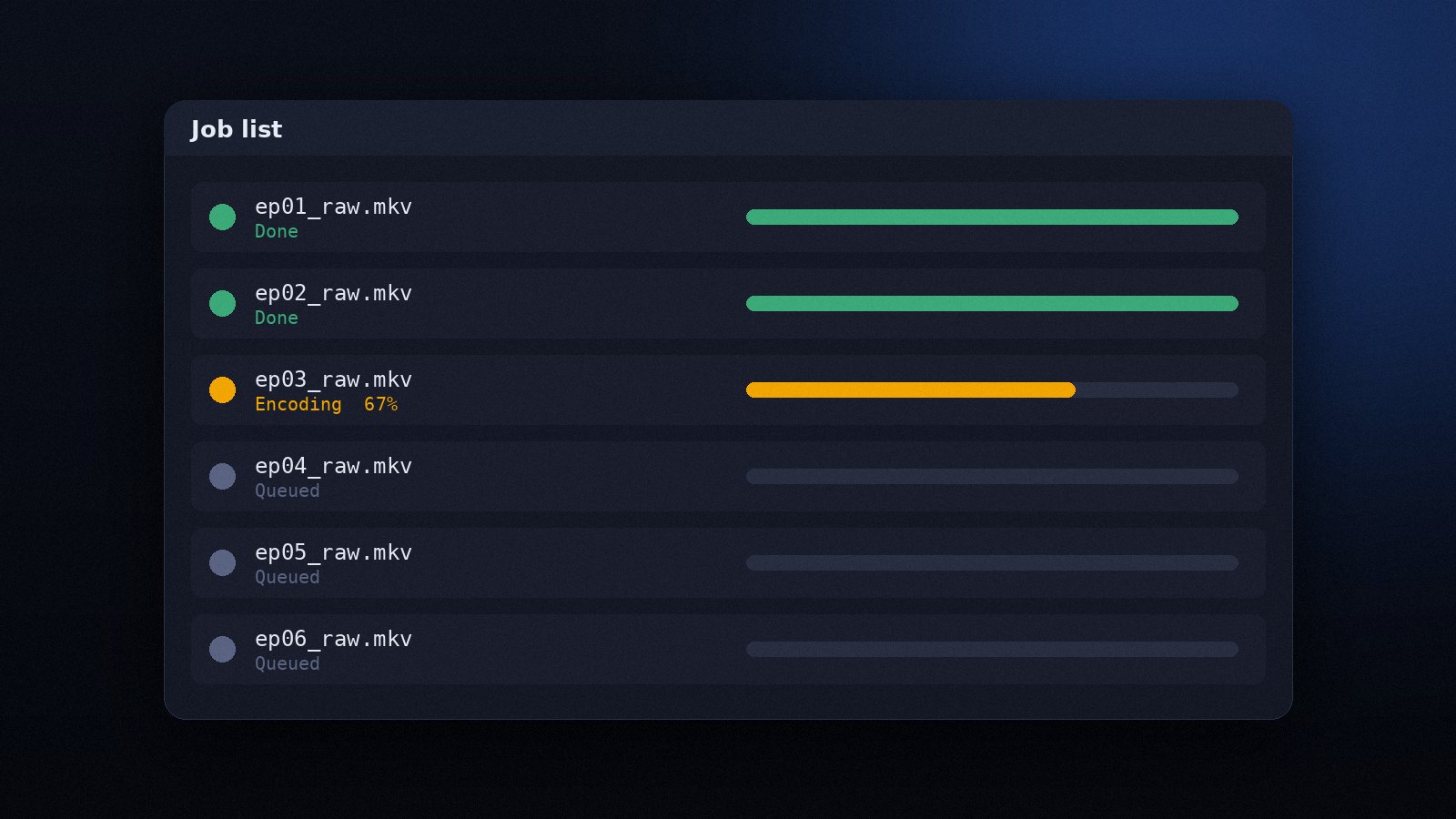
Automation
Batch Processing in Avidemux with the Job List and Scripting
Queue many files, save projects as scripts and run Avidemux from the command line to process folders unattended.
Read the guideAvidemux can burn subtitles permanently into the picture and overlay a logo image. Both are video filters, so a video encoder such as x264 must be selected, and the result is a single file that shows the text or logo on any player.
Subtitle timing must match the final cut. If you remove sections from the video first, the subtitle times shift; apply cuts after burning, or adjust the file in a subtitle editor before loading it.
ASS files carry their own fonts, colours and positions. The filter honours these styles, so karaoke effects, multiple colours and positioned signs render as the author intended. Make sure the fonts referenced in the file are installed on your system, otherwise a fallback font is used.
VobSub subtitles from DVDs (.idx + .sub) are handled by the VobSub filter, which lets you pick the language stream and adjust the position. Closed-caption text from broadcast captures can be shown with the DVB Sub filter.
Under Sharpness or Miscellaneous (depending on version), add the Logo filter. Choose a PNG with transparency, set the X and Y offset from the top-left corner and the opacity. A 150 to 250 pixel wide logo in a corner of 1080p footage is readable without getting in the way.
If you prefer subtitles that viewers can turn off, do not burn them in. Place the .srt file next to the video with the same name; most players load it automatically. Avidemux itself does not mux text subtitle tracks into MKV, so a muxing tool is needed for embedded soft subtitles.
Queue many files, save projects as scripts and run Avidemux from the command line to process folders unattended.
Read the guide
Get Avidemux running on any desktop system, pick the right build for your hardware and check the installation works.
Read the guide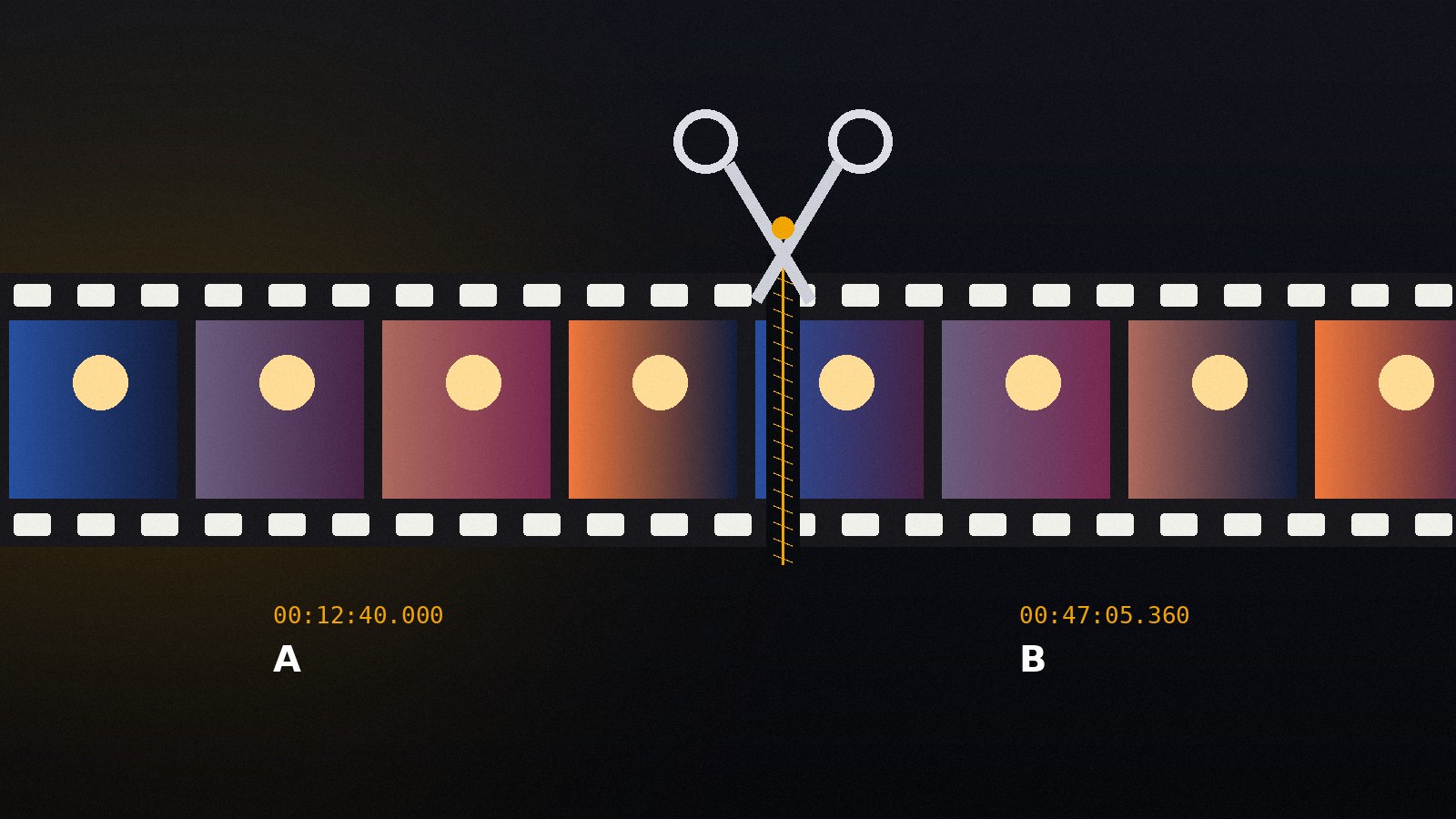
Set A and B markers, remove unwanted parts and save the result in seconds using Copy mode, with no quality loss.
Read the guide