 Avidemux
Setup
How to Install Avidemux on Windows, macOS and Linux
Get Avidemux running on any desktop system, pick the right build for your hardware and check the installation works.
Read the guideNine walkthroughs covering installation, cutting, joining, converting, compressing, filters, audio, subtitles and automation. Start with the one that matches your task.
Get Avidemux running on any desktop system, pick the right build for your hardware and check the installation works.
Read the guide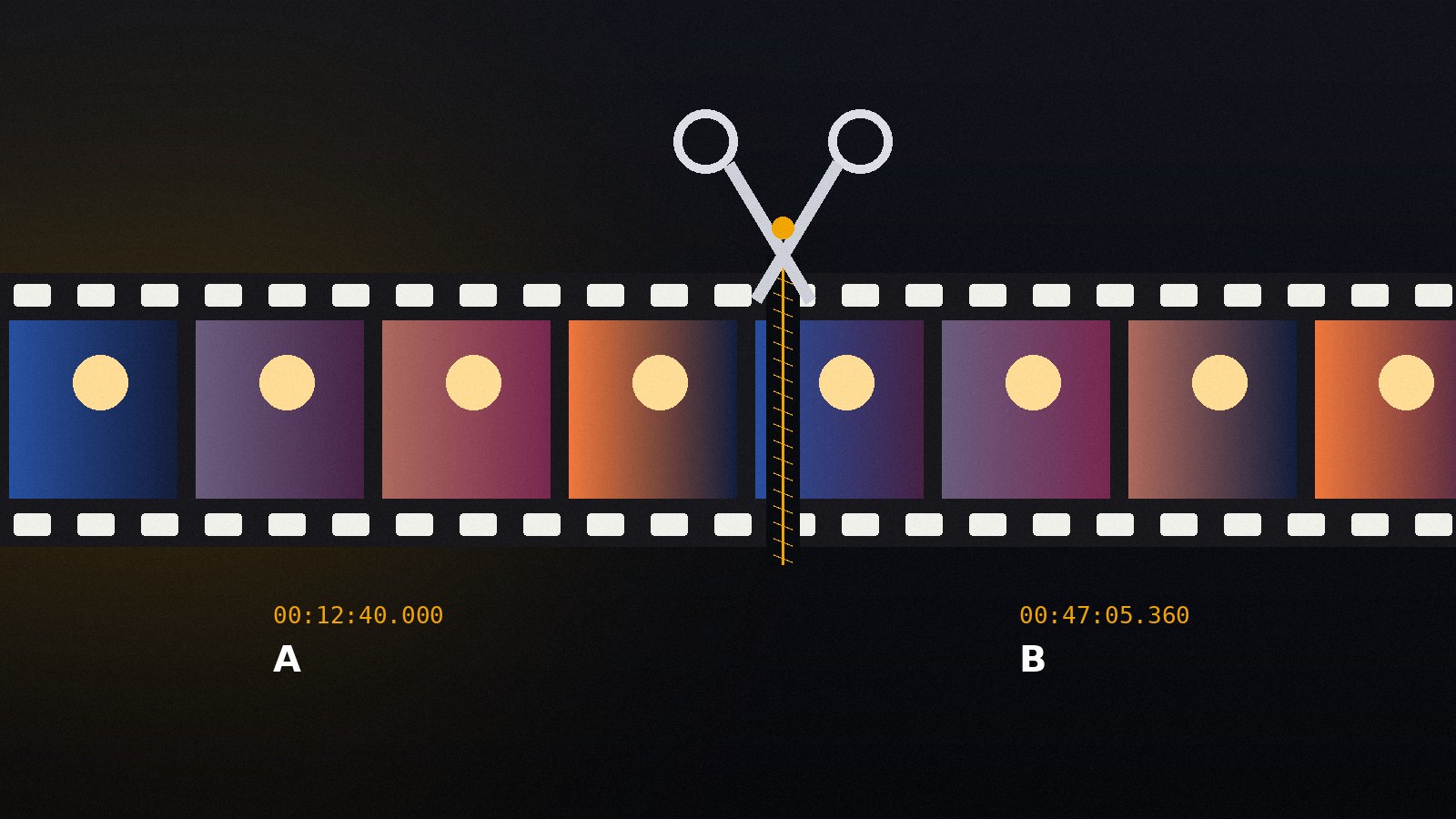
Set A and B markers, remove unwanted parts and save the result in seconds using Copy mode, with no quality loss.
Read the guide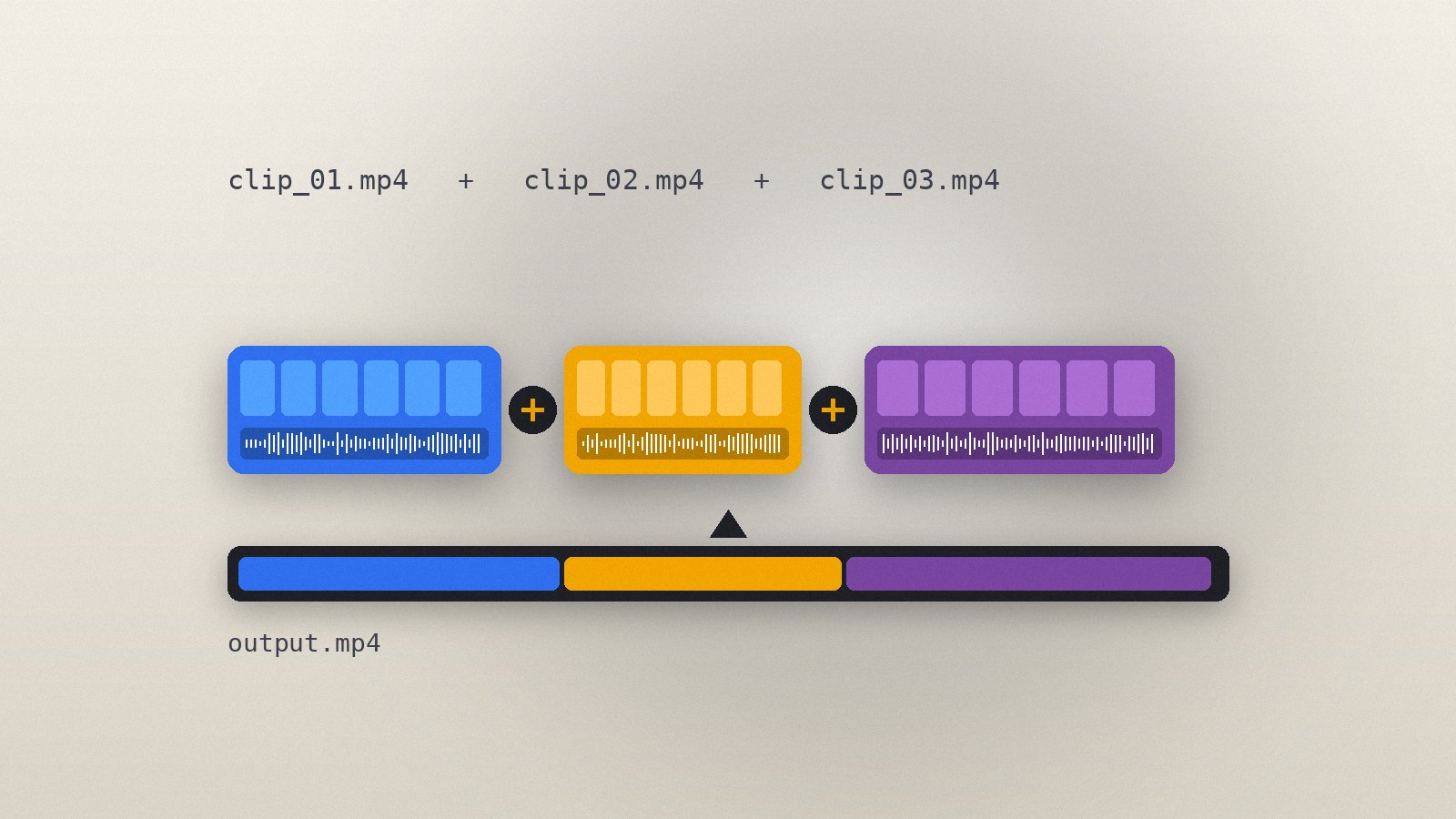
Append several clips into one file, what the clips must have in common and how to handle sources that do not match.
Read the guide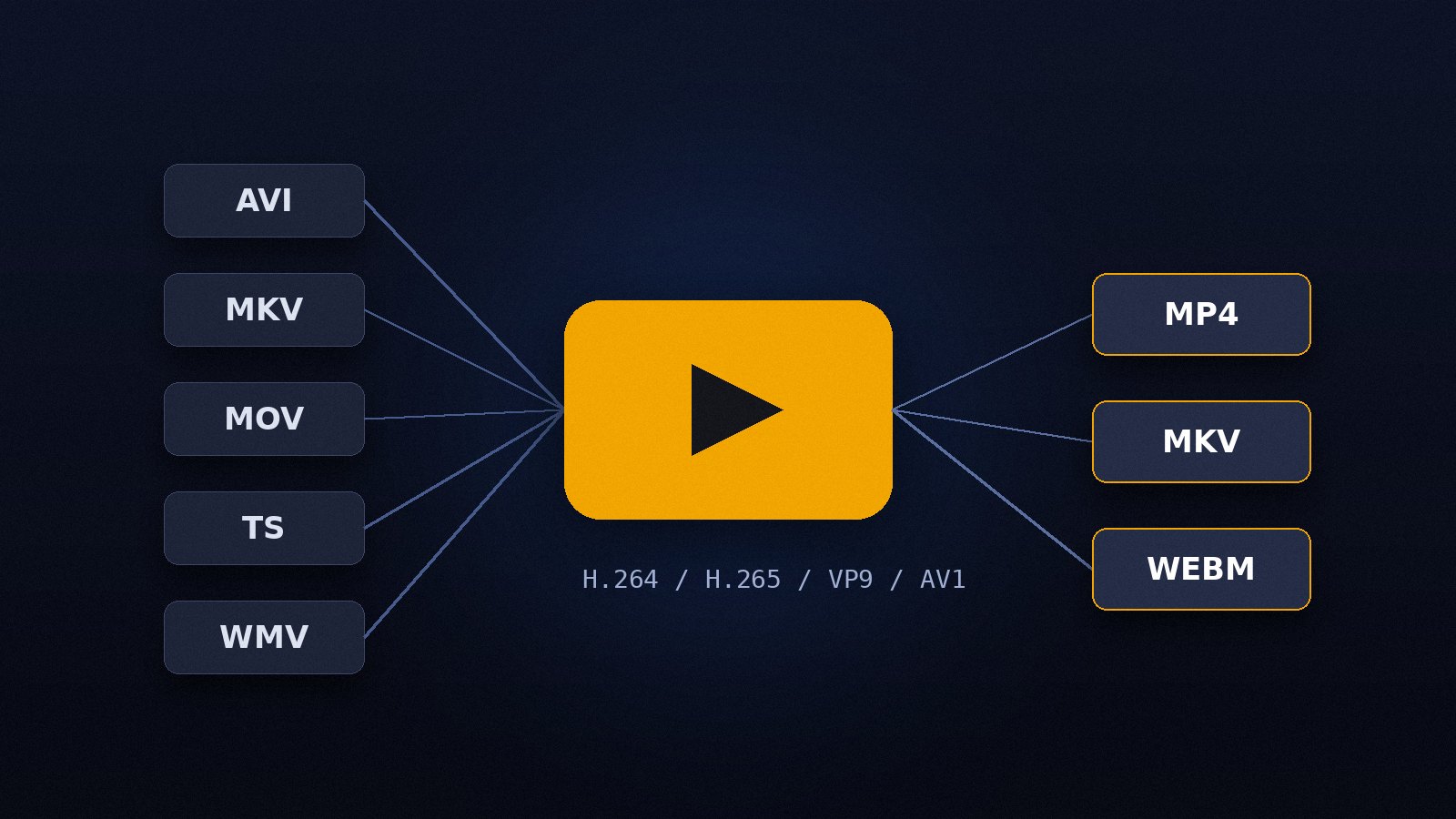
Change the container or re-encode the streams, understand the difference, and pick settings that play everywhere.
Read the guide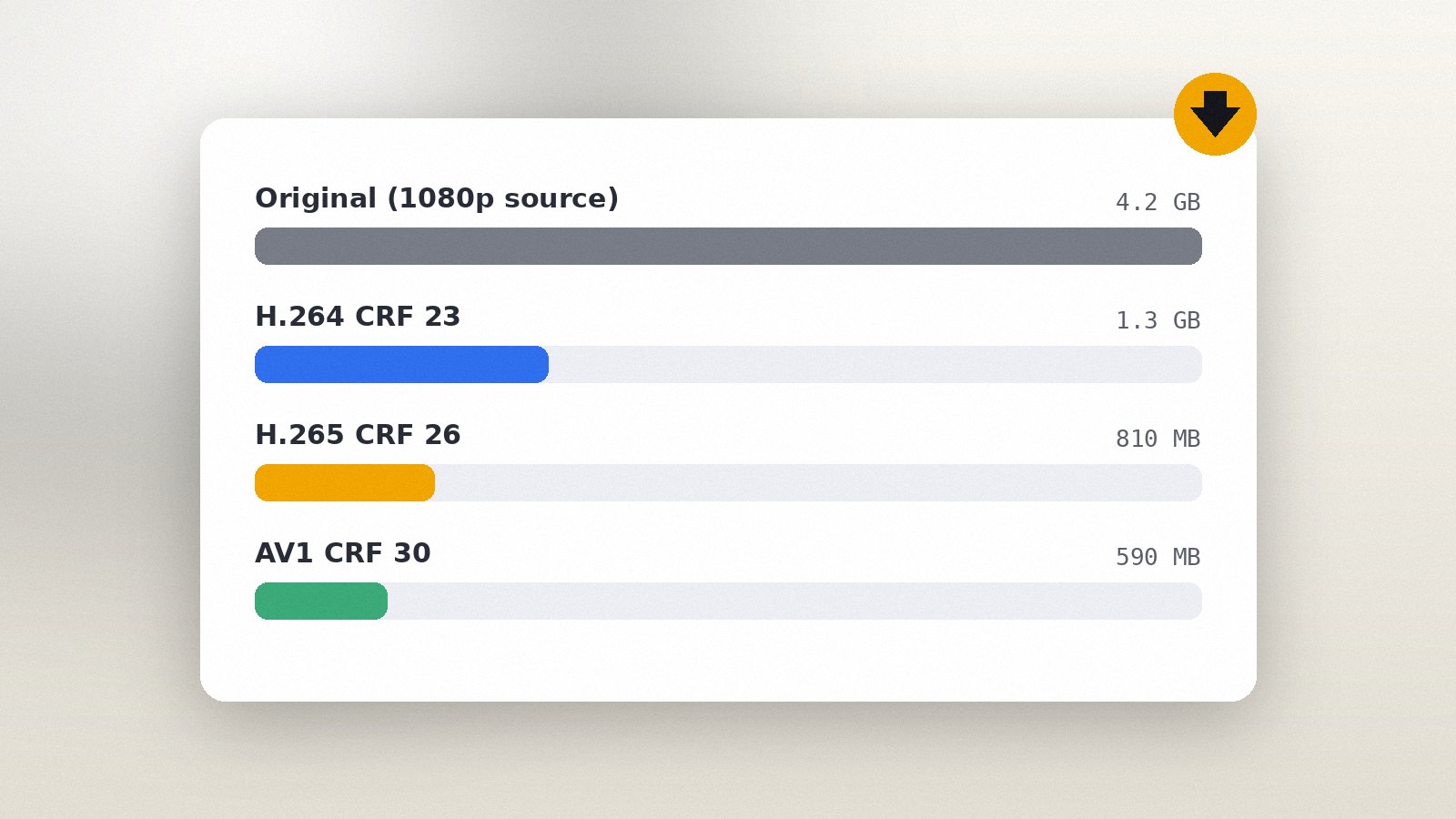
Reduce file size with CRF or a target size, choose presets wisely and keep the picture looking good.
Read the guide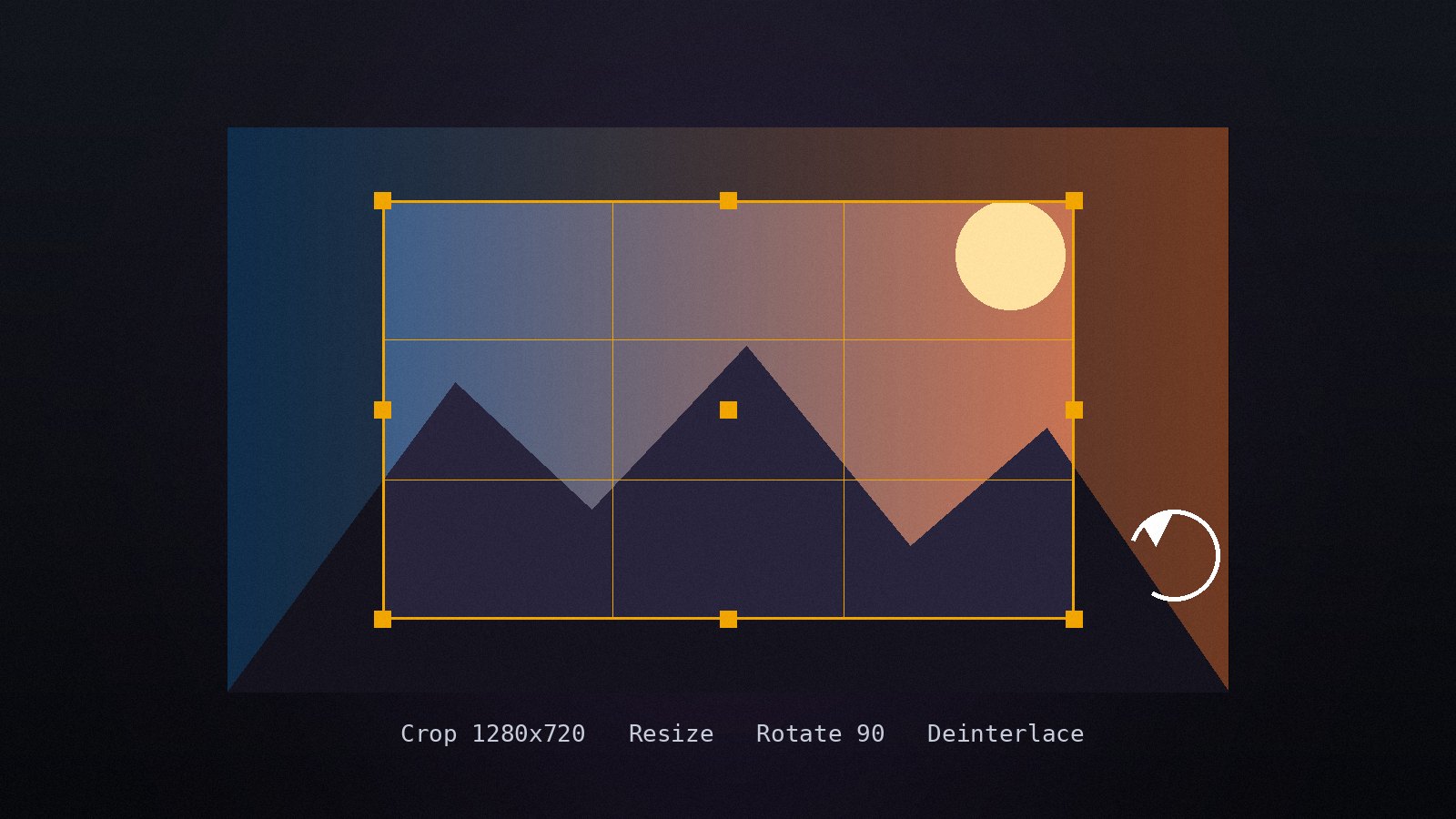
Apply the built-in video filters in the right order, preview the result and fix common picture problems.
Read the guide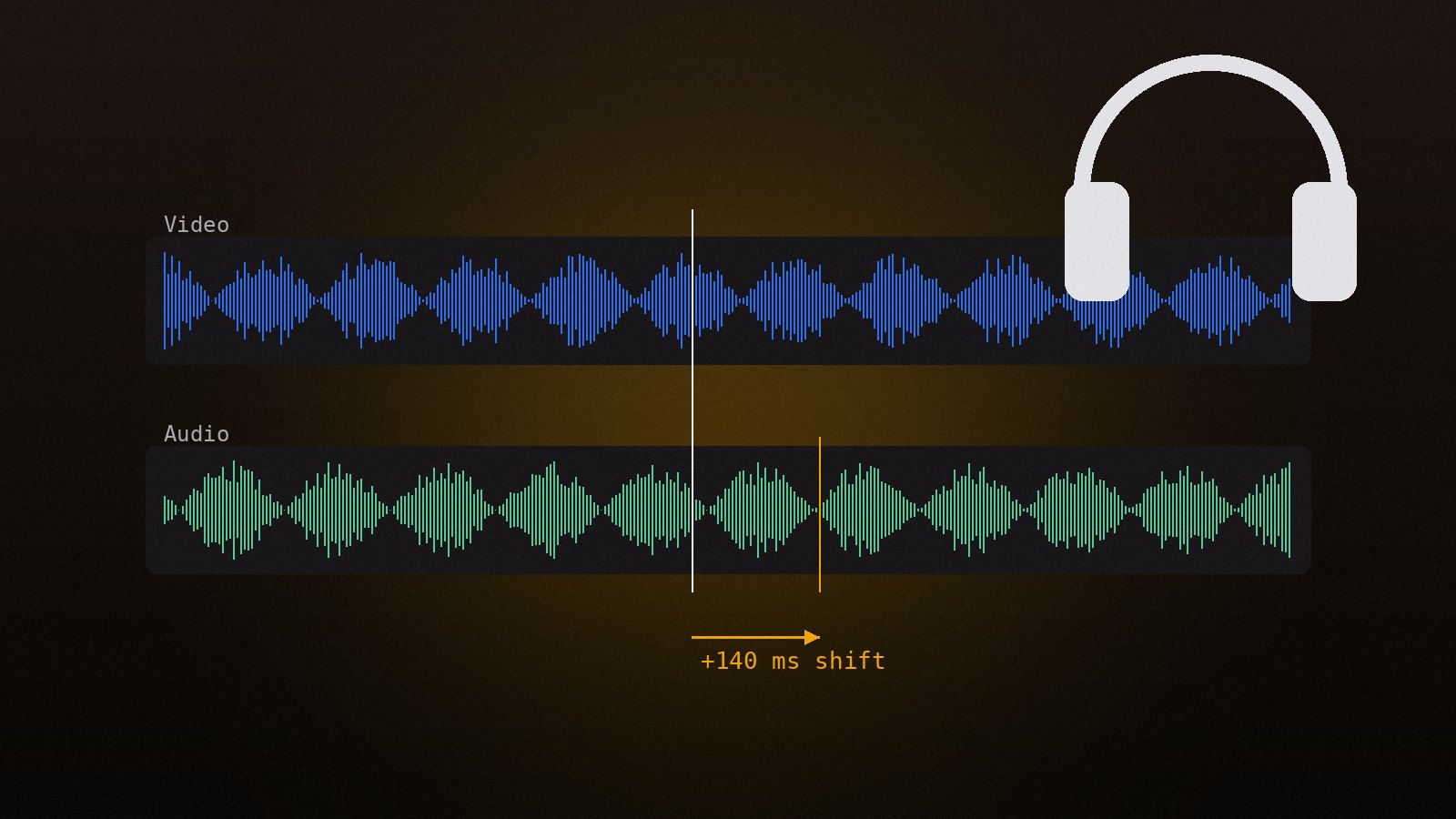
Shift audio to match the picture, replace or add tracks, change volume and convert the audio codec.
Read the guide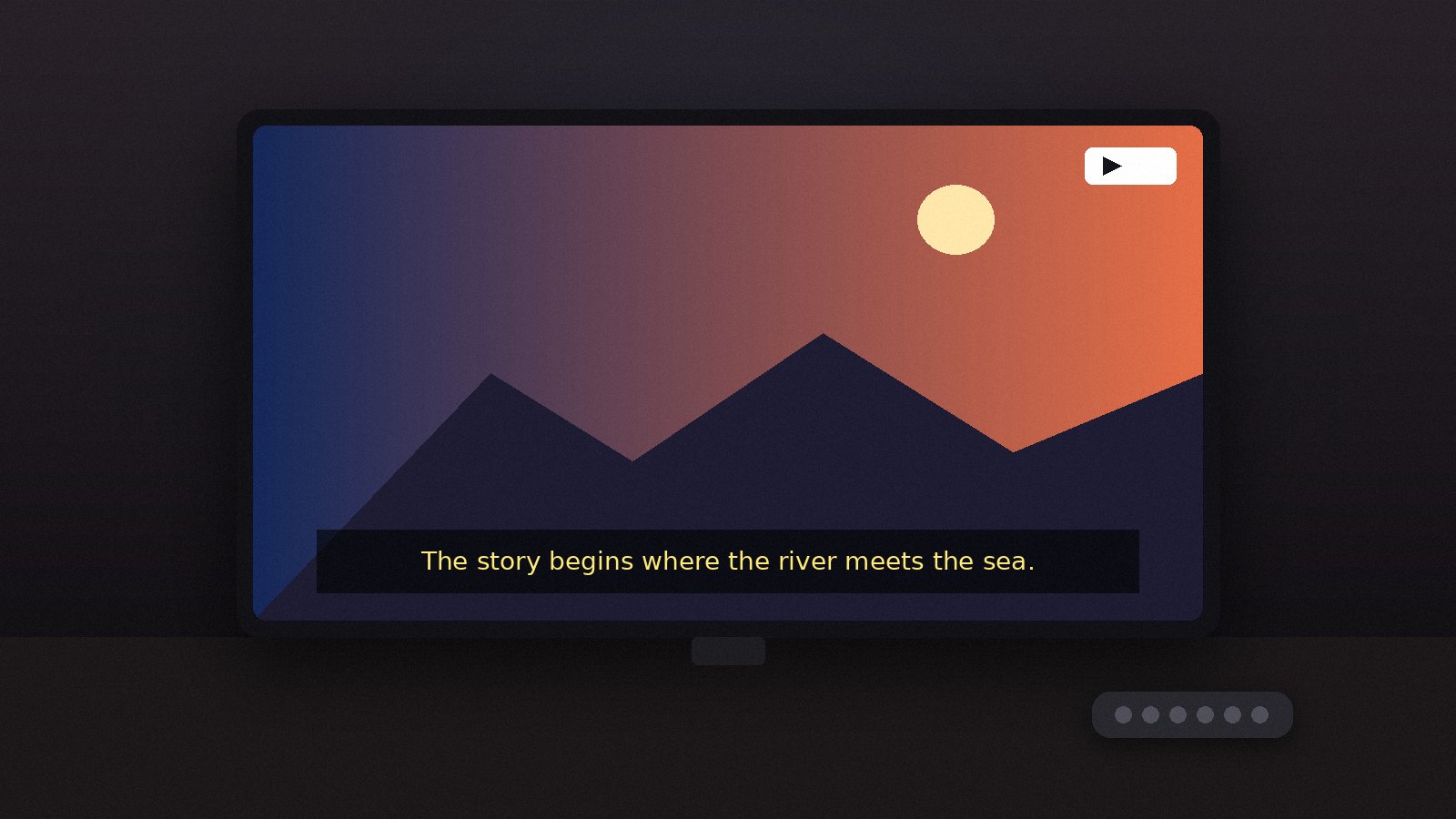
Burn SRT or ASS subtitles into the picture, choose fonts and position, and overlay a logo or watermark.
Read the guide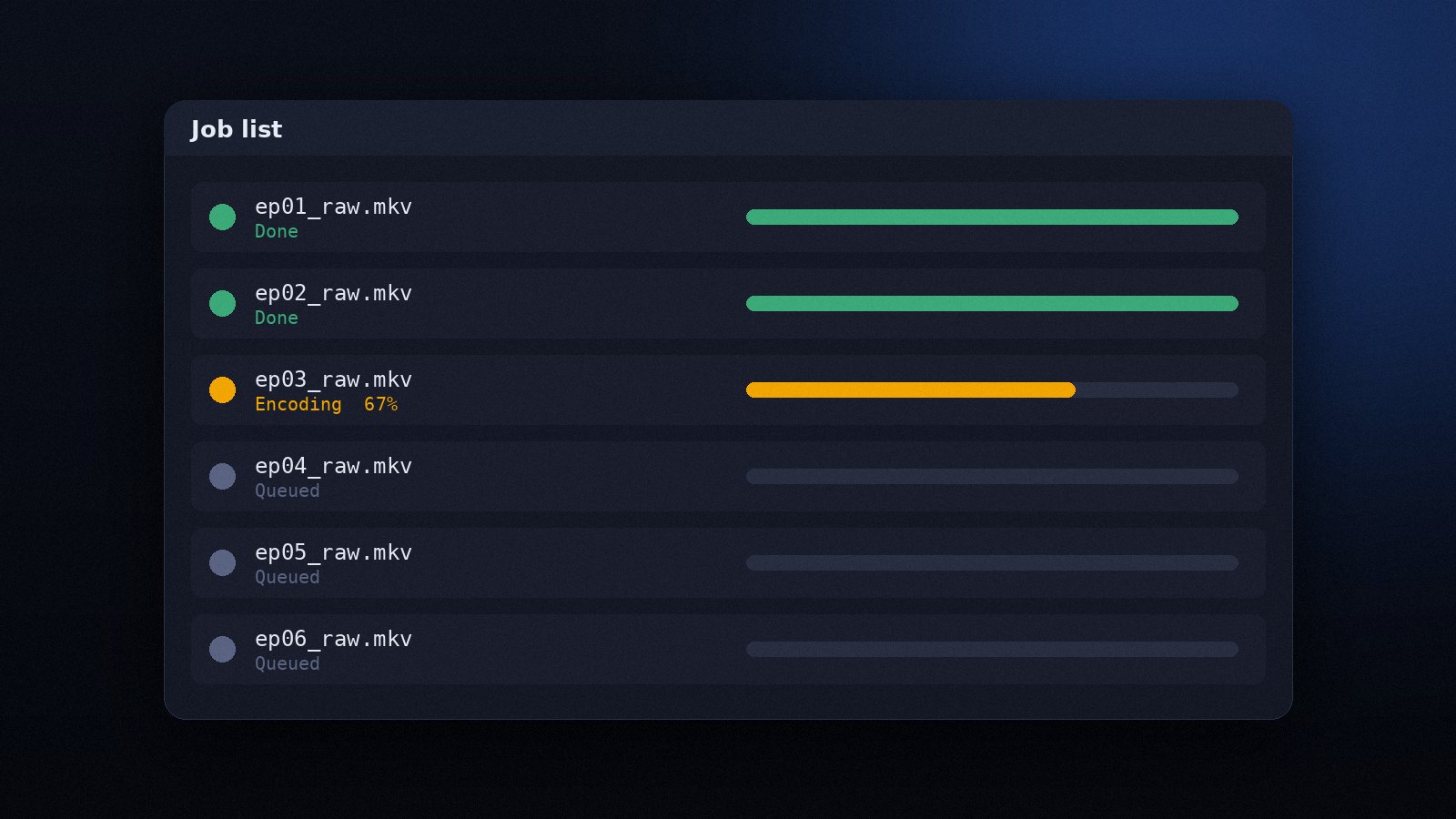
Queue many files, save projects as scripts and run Avidemux from the command line to process folders unattended.
Read the guide