 Avidemux
Encoding
Compressing Video with x264 and x265 in Avidemux
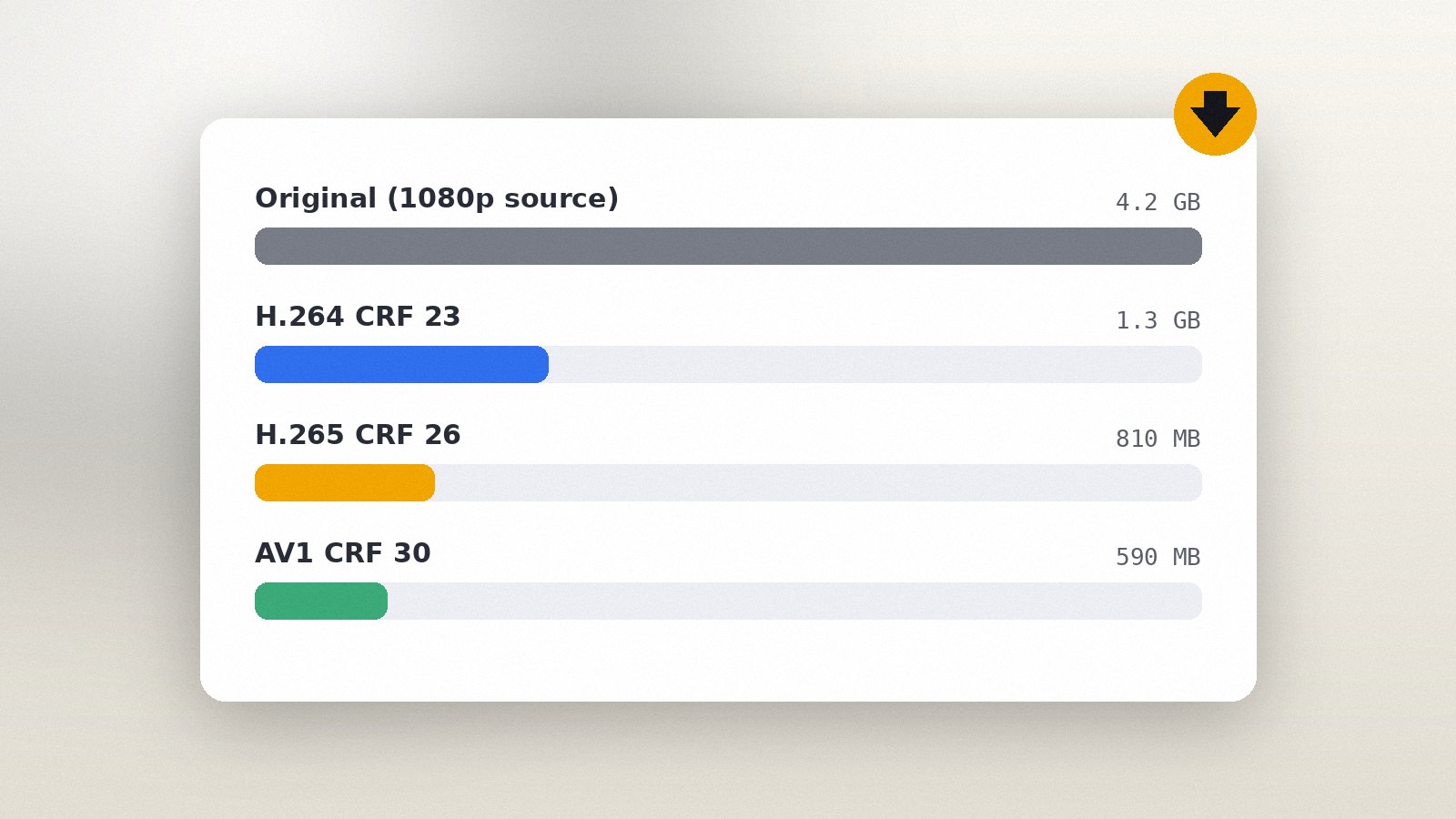
Reduce file size with CRF or a target size, choose presets wisely and keep the picture looking good.
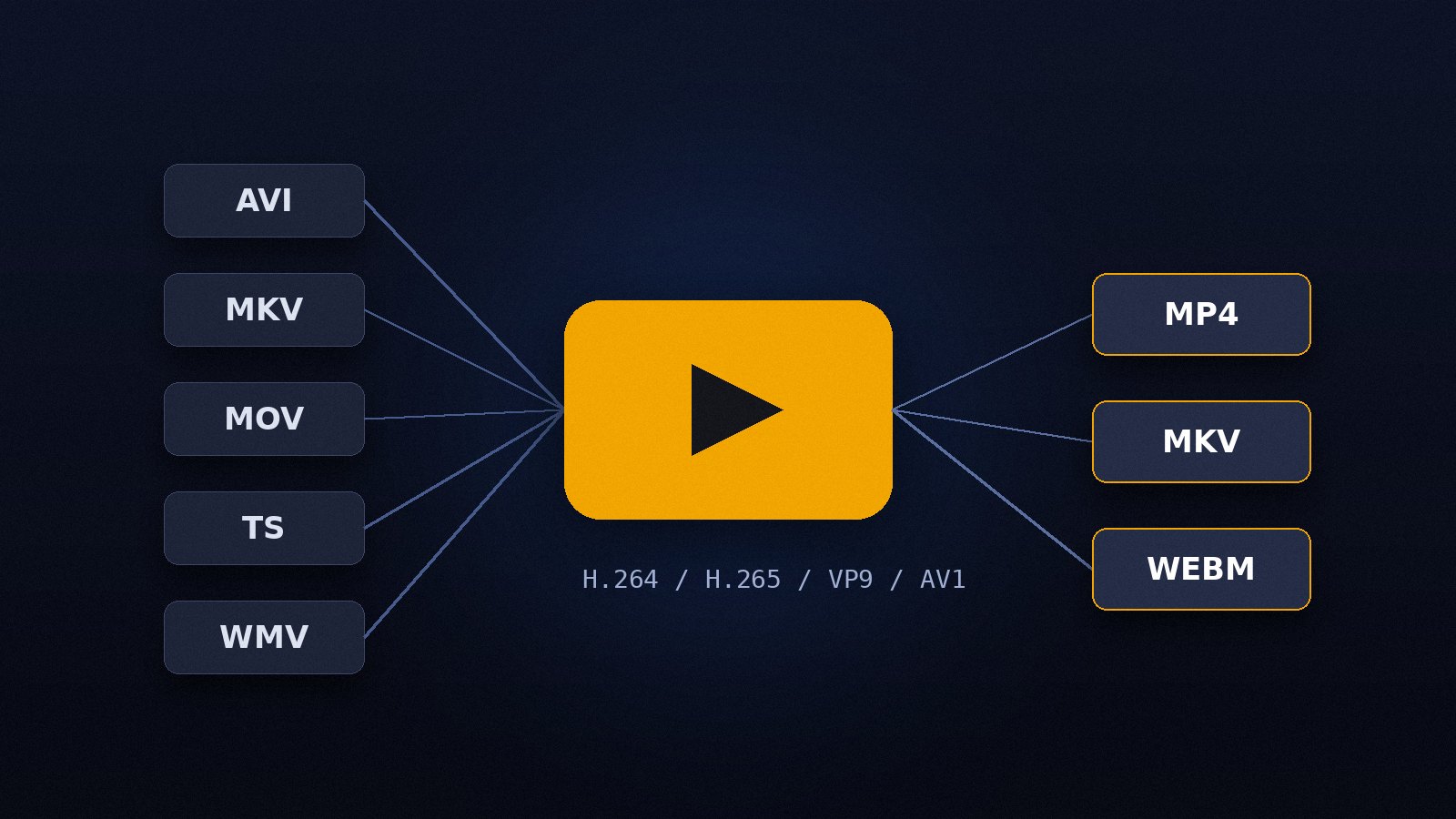
Read the guide"Convert" can mean two different things. Sometimes you only need to change the container, for example from MKV to MP4 so a TV or phone plays it. Sometimes you need to change the codec inside, such as turning an old DivX AVI into H.264. Avidemux handles both, and knowing which one you need saves a lot of time.
If the streams inside the file are already supported by the target container, keep Video and Audio Output on Copy, change only Output Format and save. H.264 video with AAC audio, for instance, moves between MKV, MP4 and MOV without re-encoding. The save takes seconds and quality stays identical.
When the codec must change, choose a video encoder in Video Output:
| Encoder | Best for | Notes |
|---|---|---|
| Mpeg4 AVC (x264) | Everyday MP4, broad device support | Fast, plays on everything |
| Mpeg4 HEVC (x265) | Smaller files at the same quality | Slower, needs a newer player |
| VP9 / AV1 | Web delivery, WebM | AV1 is the slowest to encode |
| Mpeg2 | DVD-compatible output | Use with the MPEG-PS muxer |
Open Configure under the encoder, choose Constant Rate Factor and leave the value between 18 and 23 for x264 (20 to 28 for x265). Lower numbers mean a bigger, better file. Then set Audio Output to AAC (FDK or lav) at 128 to 192 kbps, and pick the muxer.
Make sure the frame rate stays the same unless you add a Change FPS filter on purpose. Look at the Video > Properties panel to see the source resolution and codec, and compare it with what the target container supports. Finally, test a short section with File > Save on a 30-second selection before committing a long file.
Reduce file size with CRF or a target size, choose presets wisely and keep the picture looking good.
Read the guide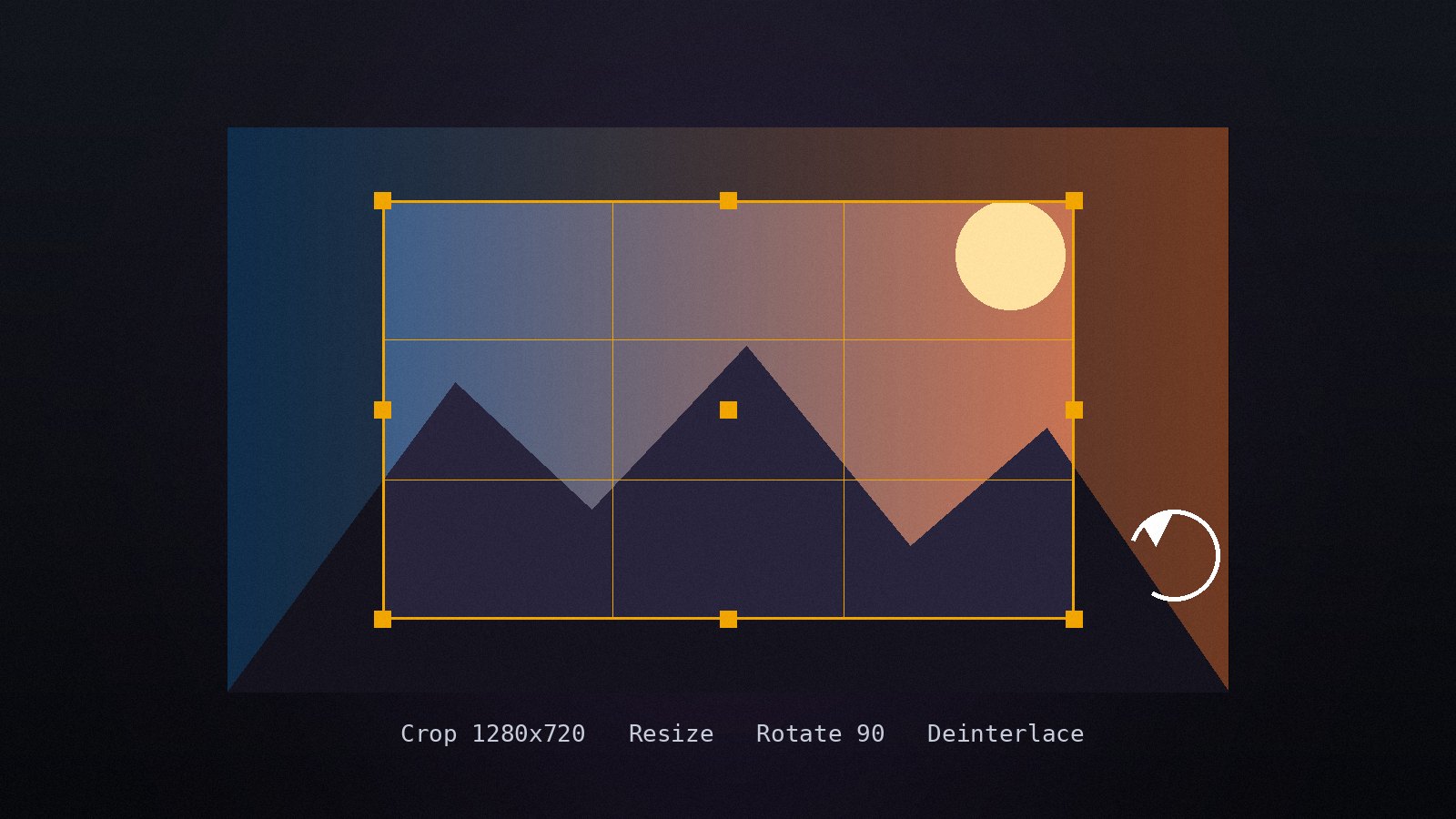
Apply the built-in video filters in the right order, preview the result and fix common picture problems.
Read the guide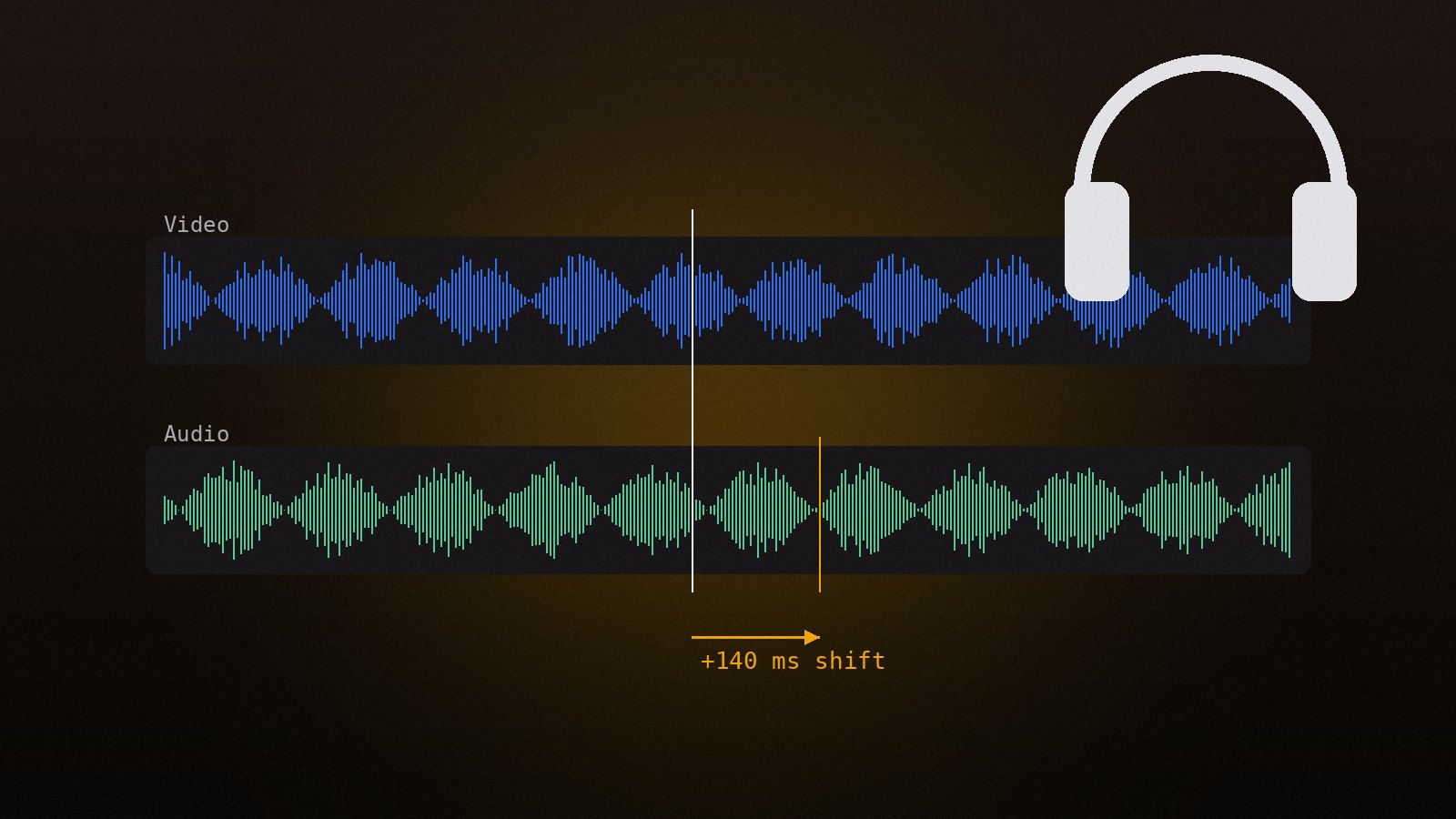
Shift audio to match the picture, replace or add tracks, change volume and convert the audio codec.
Read the guide